
Loading
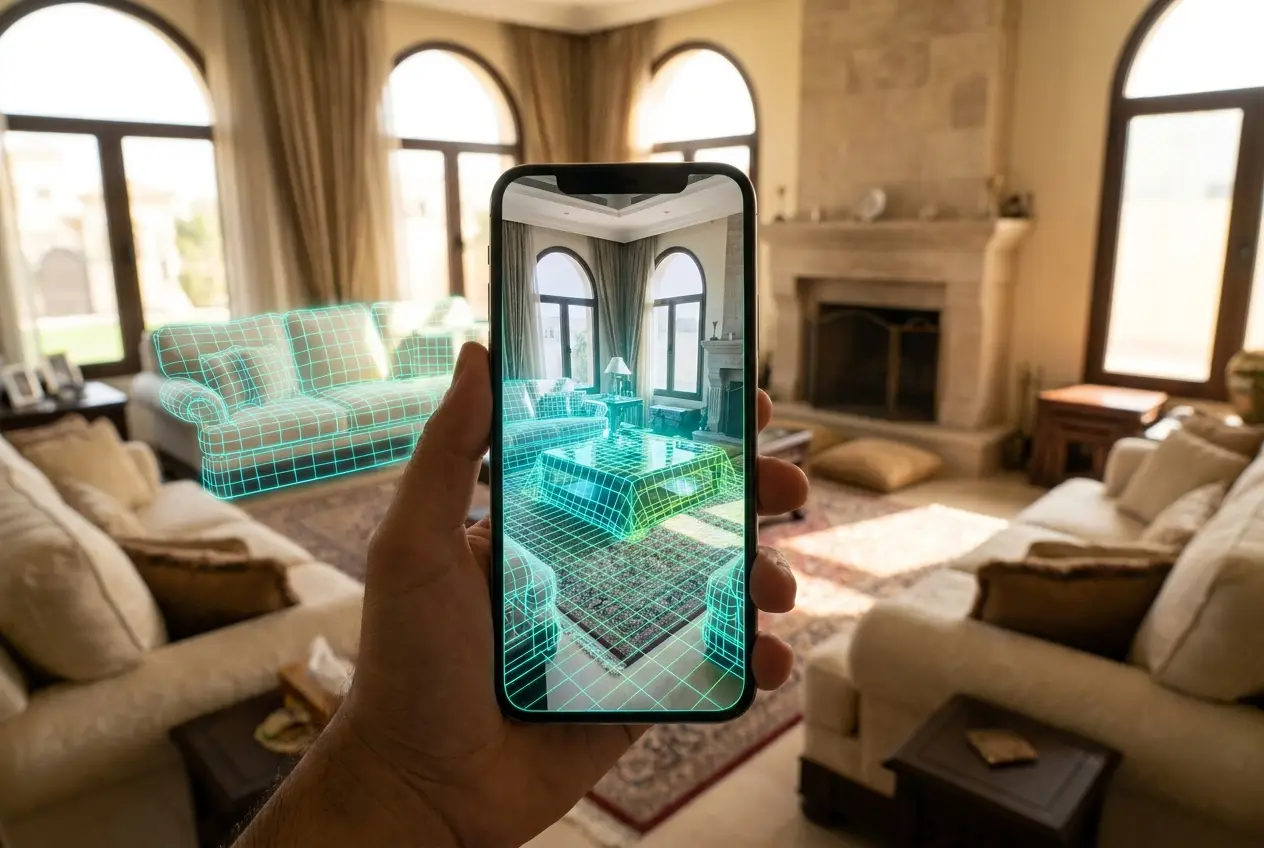
مسح الغرفة · في تطبيق DAR
وجّه الآيفون على الغرفة وحسّاس الليدار يلتقط كل جدار وباب ونافذة — بدقة الميليمتر وبدون متر قياس. المسح يدخل مباشرة في تصميم DAR ويثبّت سعرك على المساحة الحقيقية.
كيف يشتغل المسح
01افتح تطبيق DAR وحرّك الآيفون ببطء حول الغرفة — من ركن لركن.
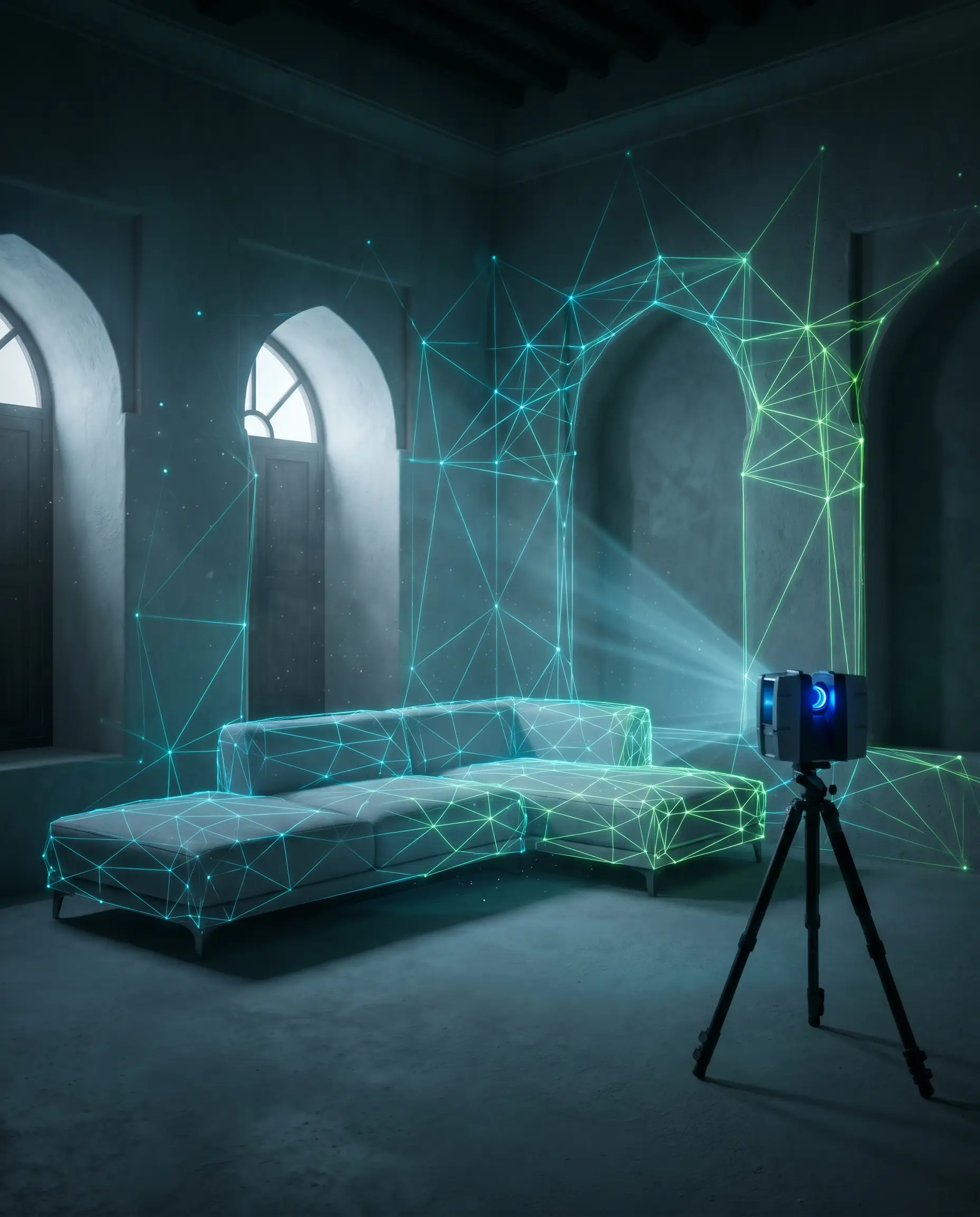 02
02الجدران والأبواب والنوافذ وارتفاع السقف تُرسم كشبكة ثلاثية الأبعاد دقيقة خلال ثوانٍ.
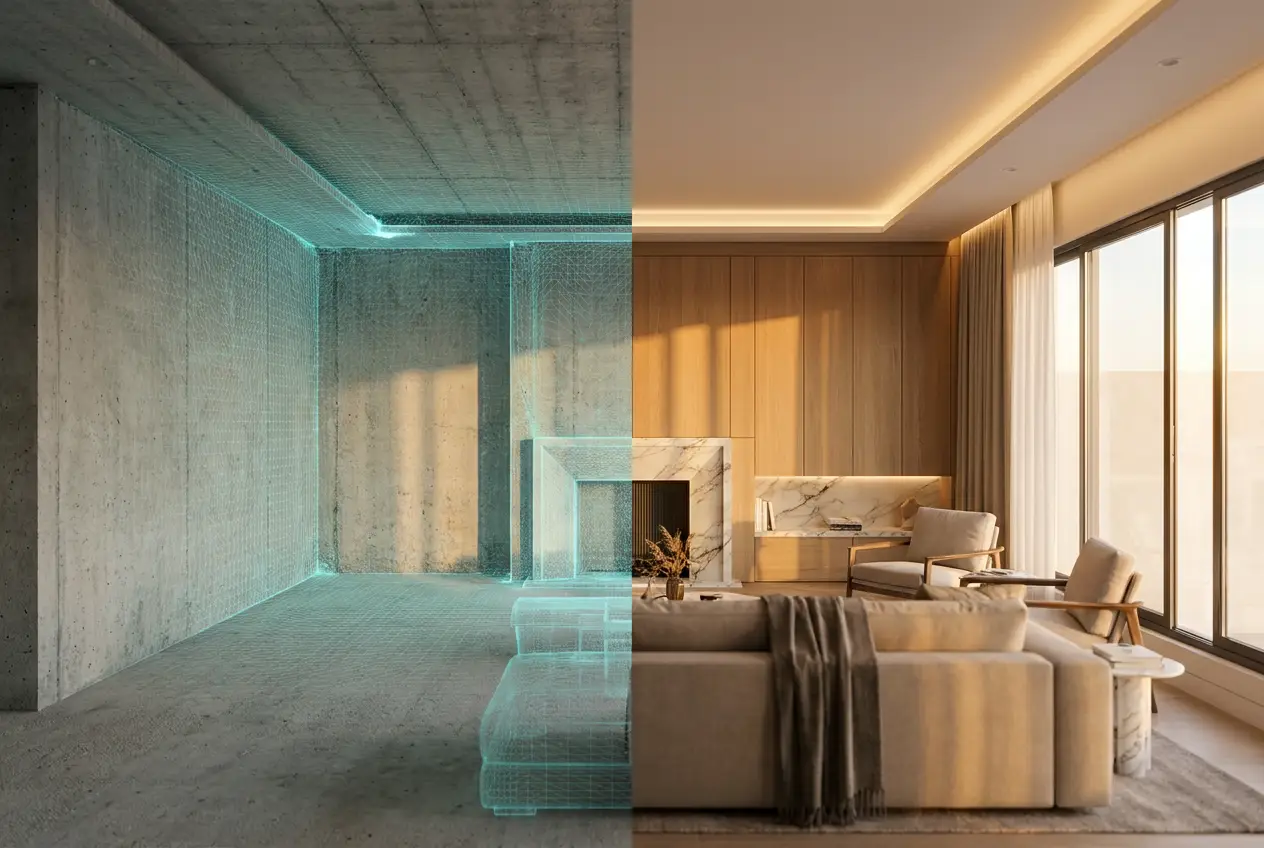 03
03المسح يدخل في المصمم ثلاثي الأبعاد، فتنضبط الخزائن على المساحة الحقيقية — والسعر يكون دقيق.
النتيجة


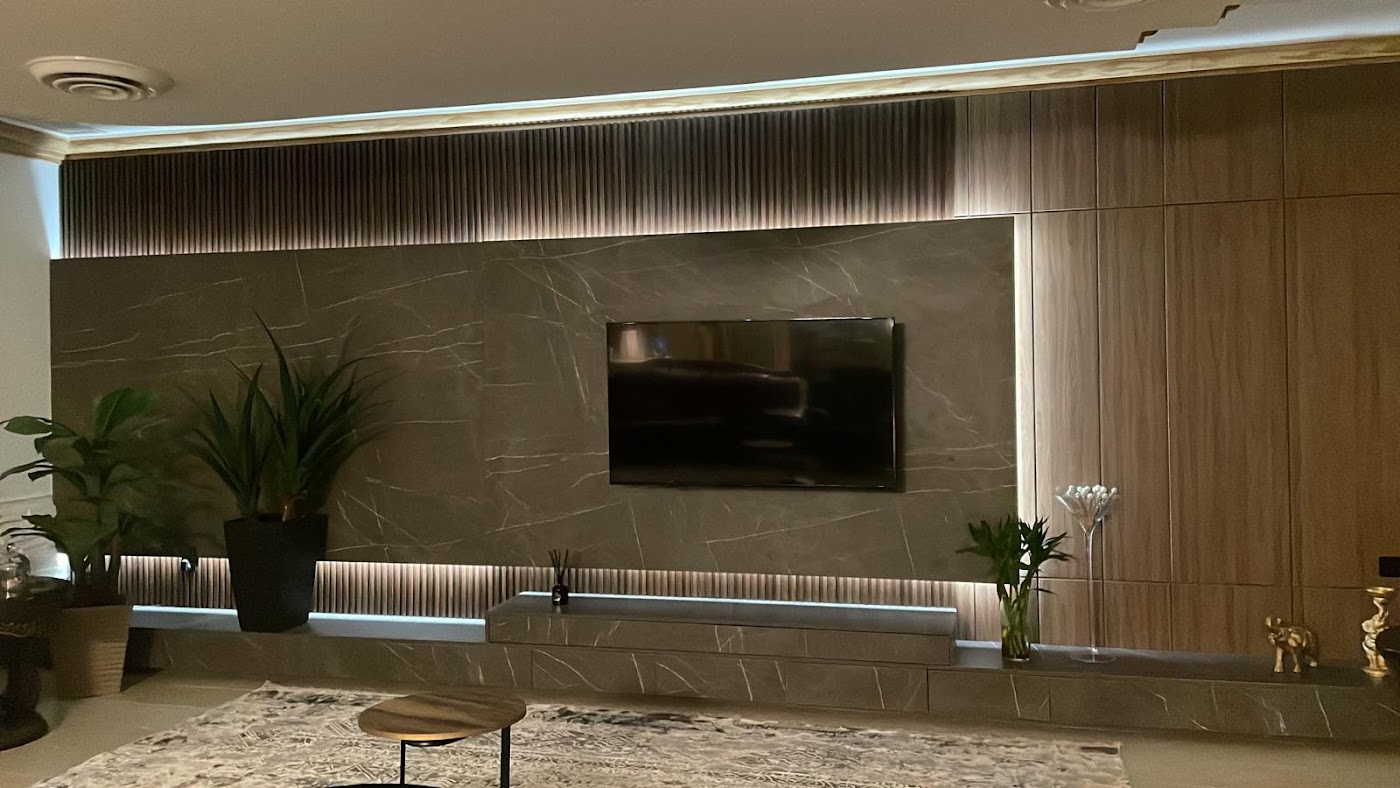
جدران وأبواب ونوافذ — ملتقطة
أبعاد غرفة حقيقية، مو مستطيل مرسوم بالتقريب. الخزائن تضبط من أول مرة.
يدخل مباشرة بالمصمم ثلاثي الأبعاد
مسحك يفتح مباشرة في سقف — صمّم على جدرانك الفعلية.
رقم دقيق، مو تقريبي
بعد ما تصير عندنا الأبعاد الحقيقية، يتحوّل تقديرك لرقم نهائي.
تفضّل تبدأ بالسعر؟
تخطَّ المسح — أدخل مساحة غرفتك وشوف رسوم التصميم.